voicemod · real-time voice changer · windows 10/11
Say it in another voice
Voicemod runs your microphone through 100+ filters as you speak — no editing, no noticeable lag. Discord, OBS, games and calls hear the changed voice instantly.
01 / screenshots
What it looks like inside
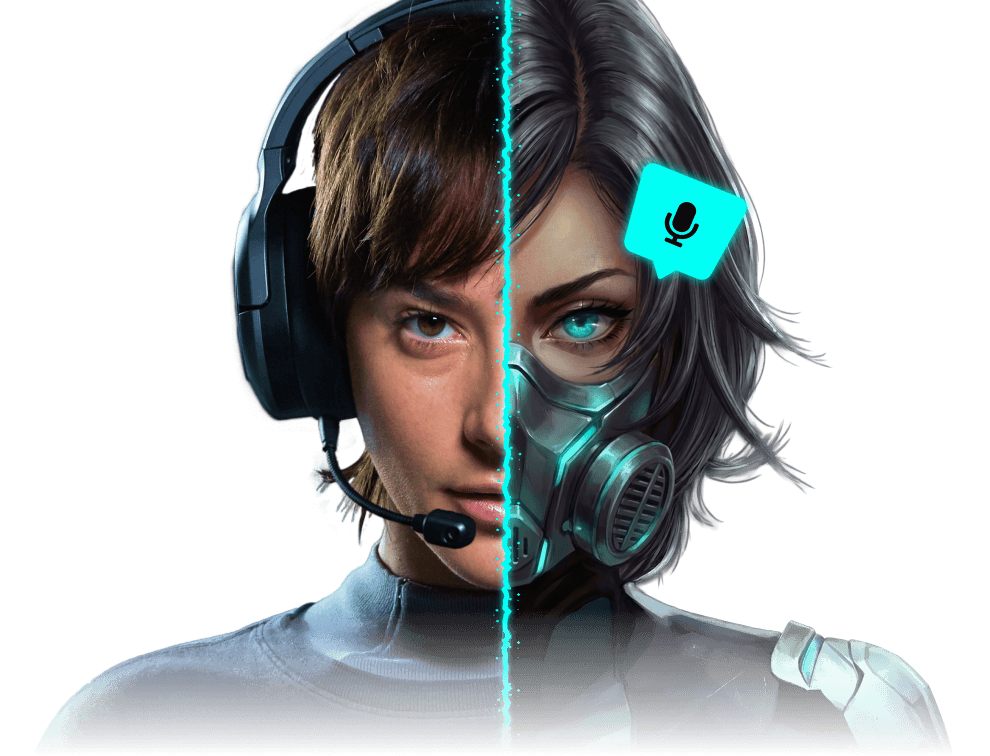
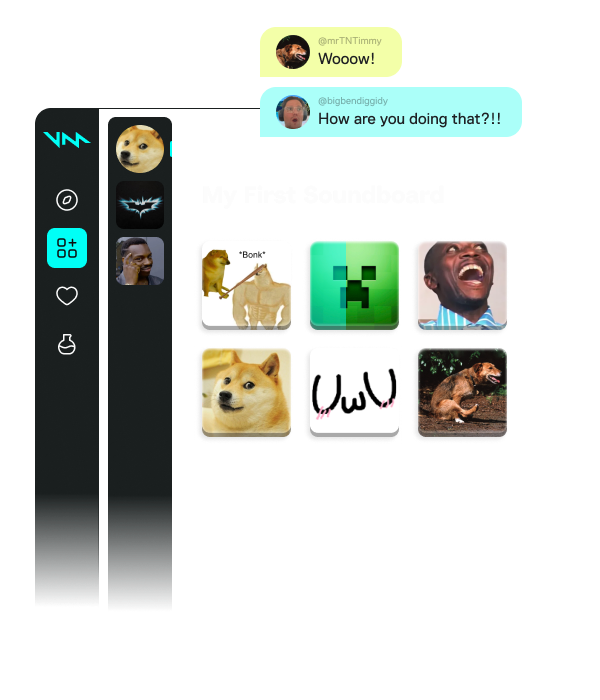
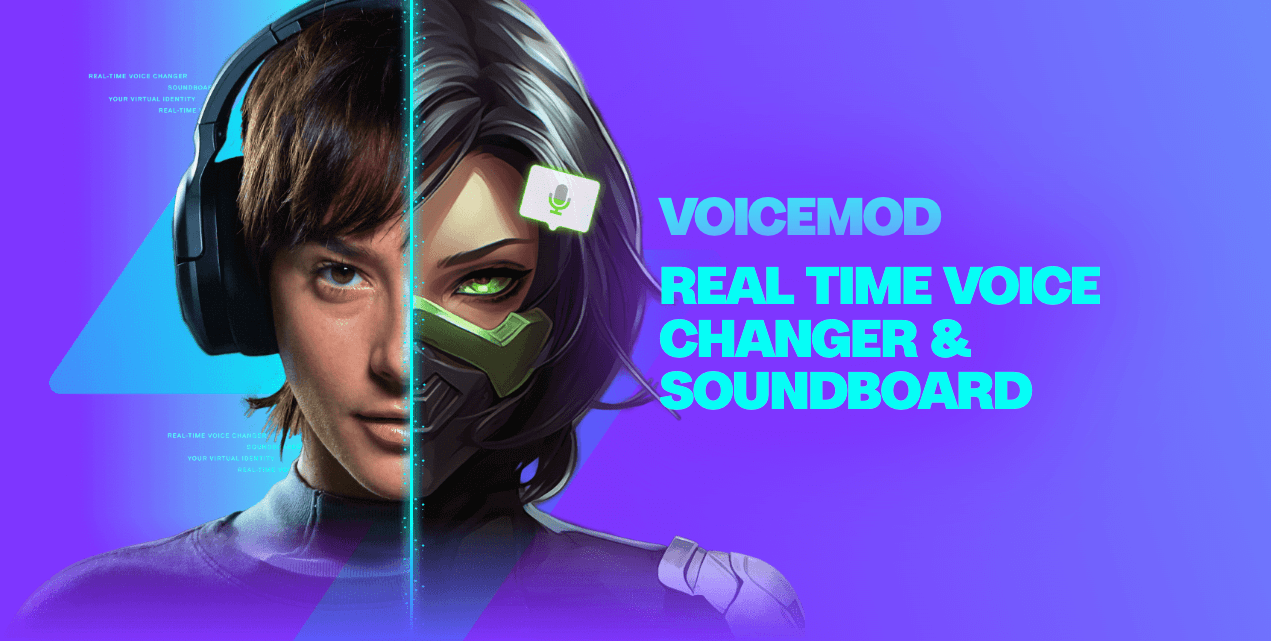
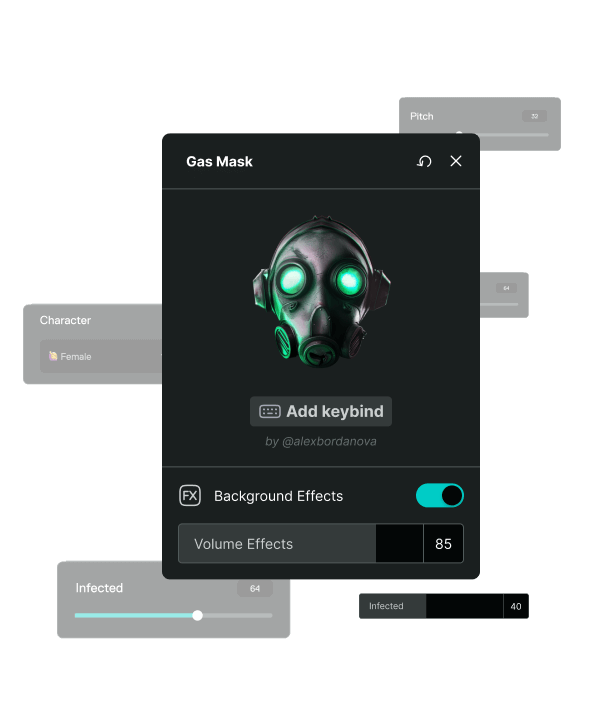
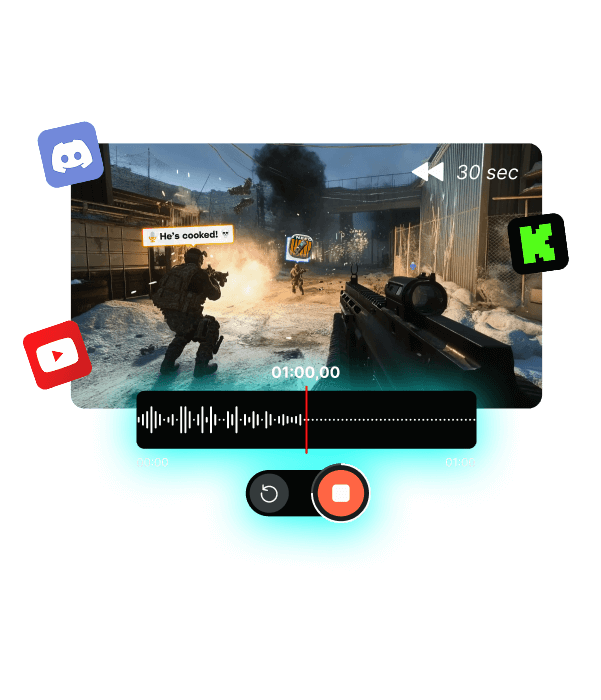
Real Voicemod screenshots — the interface you'll see after installing: voice filters, the soundboard, the voice designer and the recorder.
04 / install
Three steps to your first changed voice
Download the installer
The button above serves the file straight from this server — no download managers, no ad pages. The checksum is published next to the button.
Run and confirm
A normal Windows installer: next — next — done. If the system asks for permission to install an audio driver, agree — the virtual microphone needs it.
Pick the mic in your app
In Discord, OBS or game settings, select "Voicemod Virtual Audio Device" as the input. In Voicemod itself, choose your real microphone and talk to test.
05 / faq
What people ask before installing
My antivirus or SmartScreen flags the installer — is it a virus?
No. The Voicemod installer is digitally signed by Voicemod S.L., but SmartScreen warns about any program with few downloads in Microsoft's database. Make sure you downloaded the file from this site (compare the sha256 under the button) and click "Run anyway".
Will people hear me in Discord and in the game at the same time?
Yes. There is one virtual microphone and every app receives the same changed signal. You can talk in Discord while in a game — the filter applies in both.
What is free and what costs money?
The base filter set and the soundboard are free forever. Some voices rotate in on a daily schedule; the full catalog, Voicelab and the extended sound library are part of Pro. The free tier is enough to get to know the app.
My microphone is old and cheap. Is it worth it?
It works with any microphone Windows can see. Voicemod's built-in noise suppression removes hum and wind, so even a basic headset mic gives a clean result.
Can I record videos with the changed voice, not just talk live?
Yes. In OBS or Streamlabs, pick the virtual microphone as the capture device — the recording goes through the filter. Your voice is changed live and in the saved file.
The installer is already on the server
Direct link, latest version, checksum included. Click — the download starts.